
Pokopia Font Logo Generator
Type any word or phrase, generate a high-resolution image, then fine-tune the text position with on-canvas controls. Use | or new lines to break lines. Uppercase O and I trigger special logo glyphs.
Generator
Preview
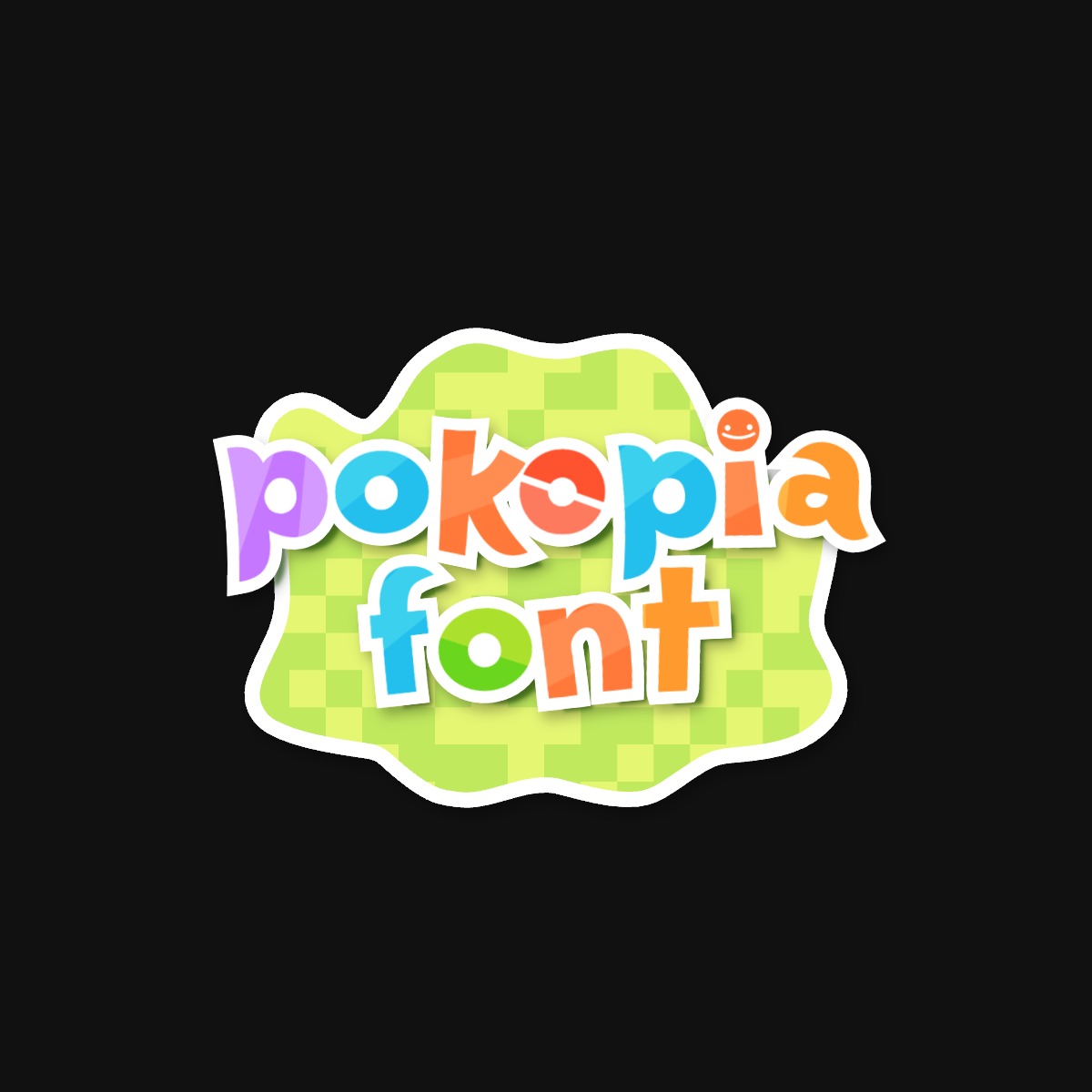
Tip: drag the selection box to move text. Wheel to zoom, Shift + wheel to rotate, or use the on-canvas handles.
What is Pokopia Font Logo Generator?
Pokopia Font Logo Generator creates a Pokopia-style wordmark: colorful textured letters with a thick white sticker outline. Turn on the green blob sticker for the classic in-game look, or turn it off for text-only exports.
How to use
- Enter your text (multi-line is supported).
- Pick a background mode (Screenshot, Sky, Solid color, or Transparent) and output format (PNG/JPG/WEBP).
- Click Generate.
- Use the selection box to move/scale/rotate the text, then Download.
Legend (controls & options)
- Move: drag the selection box.
- Scale: mouse wheel, or drag the bottom-right handle.
- Rotate: Shift + mouse wheel, or drag the top handle.
- Solid color: pick any hex color for the background.
- Green blob sticker: checkbox to show or hide the textured green shape behind the wordmark.
- Transparent: no backdrop; export as PNG or WEBP only (JPG is disabled).
Examples (3 quick recipes)
Example 1: Classic wordmark

Text: pokopia
Background: Screenshot
Format: JPG (High)
Example 2: Two-line logo

Text: pokopia|town
Background: White
Format: PNG
Example 3: Transparent overlay

Text: pOkOpia
Background: Transparent
Format: WEBP (High)
FAQ
What is Pokopia Font Logo Generator?
It is a free browser tool that generates a Pokopia-style sticker wordmark with colorful textured letters. The green blob sticker behind the text is optional.
How do I add line breaks?
You can either type real new lines in the text box or use the pipe character | to force line breaks.
What do uppercase O and I do?
Uppercase O uses the special Pokéball-style fill. Uppercase I uses the Ditto-face glyph from the font.
Can I export with a transparent background?
Yes. Choose Background → Transparent, then export as PNG or WEBP. JPG is disabled because it does not support transparency.